



AI can make QA faster, but speed is not the same as confidence. A product team can generate more test ideas, more automation code, and more reports while still missing the flows that matter most.
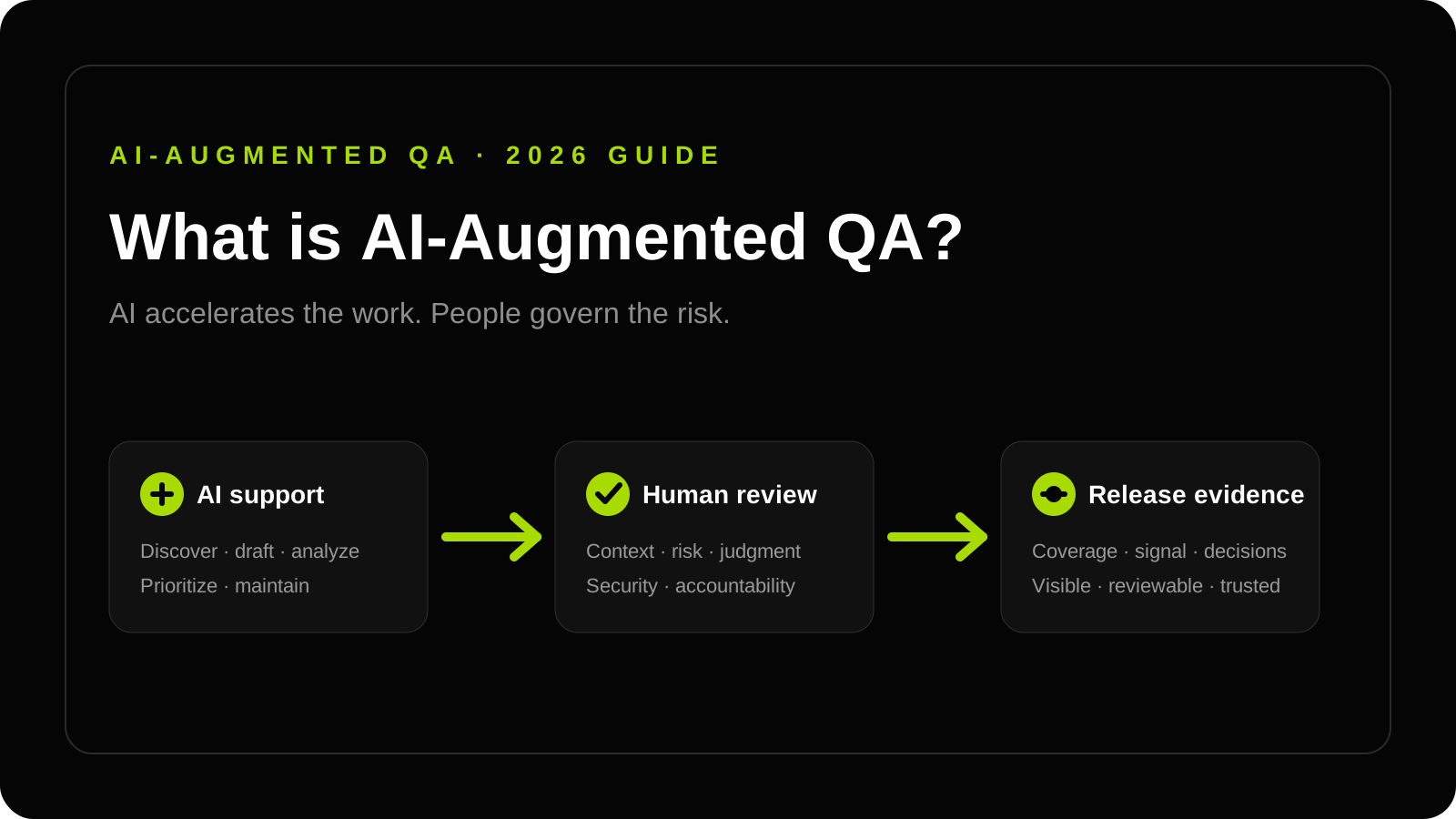
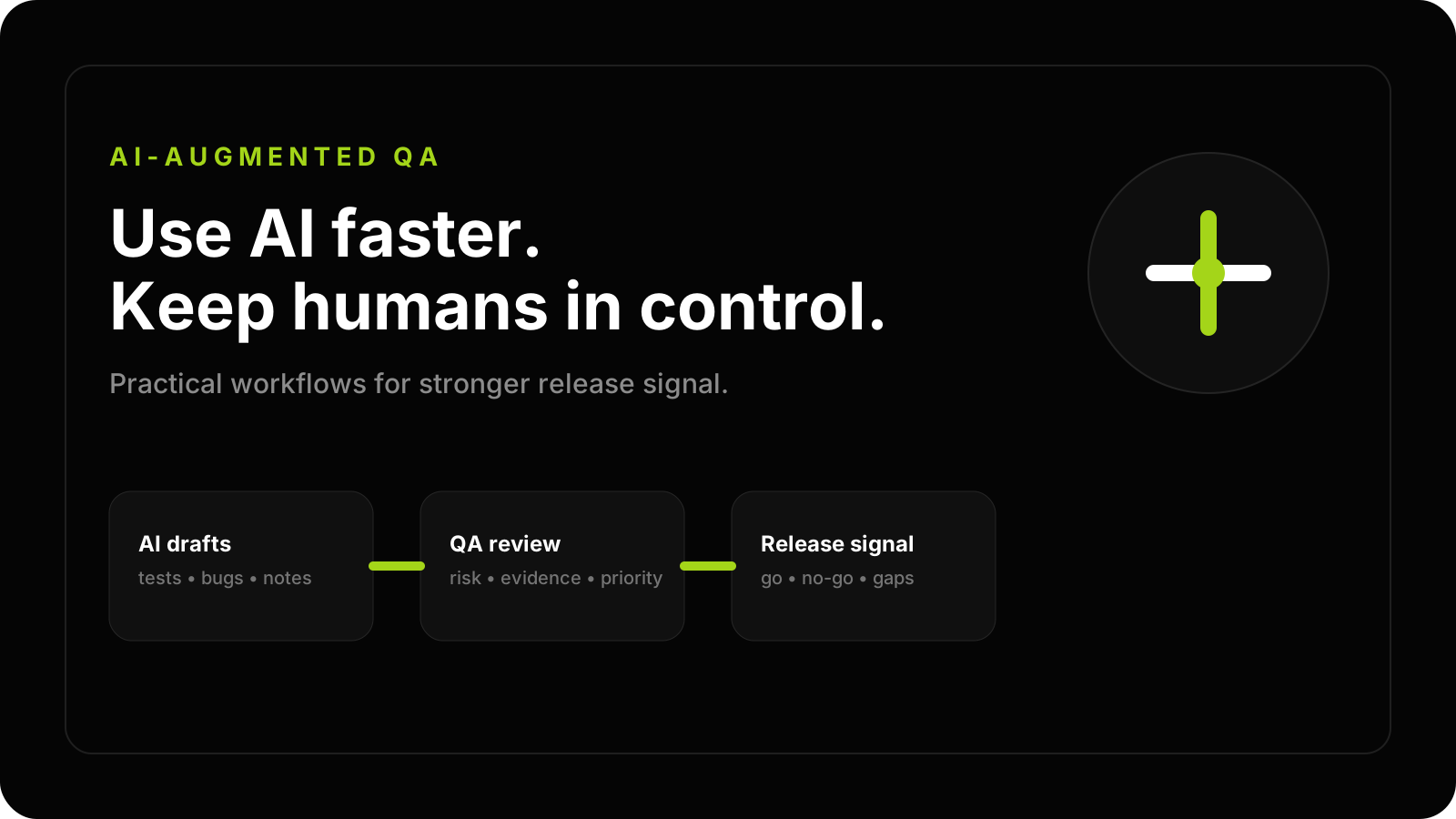
An effective AI-augmented QA strategy starts with a clear rule: AI accelerates the work, humans govern the risk.
Key takeaways
- AI should support QA judgment, not replace accountability for release decisions.
- Start with repeatable workflows such as test idea generation, coverage review, bug enrichment, and regression planning.
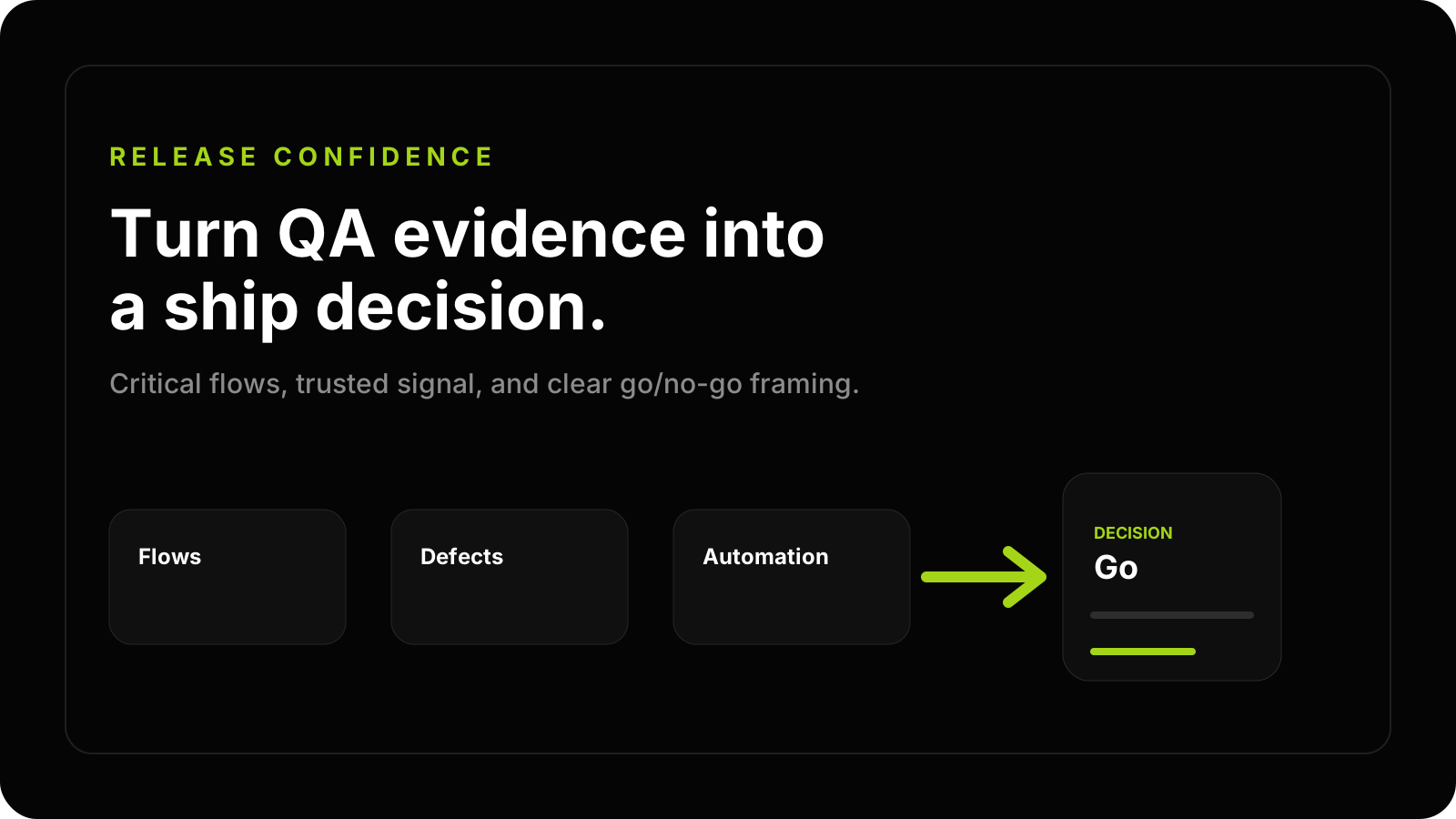
- Keep humans responsible for risk prioritization, defect severity, and final release evidence.
What AI should and should not do in QA
AI is useful when the task has context, patterns, and human review. It can help brainstorm scenarios, summarize requirements, compare user stories against known risk areas, draft bug reports, enrich reproduction steps, and propose automation skeletons.
AI is risky when it becomes the release authority. It should not decide severity without context, accept generated tests without review, invent coverage that was not executed, or treat passing scripts as proof that the product is safe.
The goal of AI-Augmented QA is not to remove testers. The goal is to give senior QA thinking more leverage while keeping release decisions grounded in evidence.
The safest AI-augmented QA workflows
Start with workflows where AI improves throughput but a human can easily inspect the output.
Test design acceleration
Use AI to propose test ideas from acceptance criteria, user journeys, production incidents, and support tickets. Then have a QA architect remove duplicates, add missing edge cases, and rank scenarios by product risk.
Coverage analysis
AI can compare stories, test cases, release notes, and known defect patterns to highlight possible blind spots. This is especially useful before regression planning or large feature releases.
Bug report enrichment
AI can help structure defect titles, expected behavior, actual behavior, steps, impact, and environment notes. Human review is still required because severity depends on product context and user impact.
Automation support
AI can draft page objects, assertions, API helpers, or Playwright test skeletons. The team should review architecture, data handling, wait strategy, and whether the test proves meaningful behavior.
QA documentation
AI can convert scattered notes into regression checklists, release-risk summaries, and onboarding guides. This makes QA assets more reusable when the content is reviewed and kept client-owned.
Governance rules for AI testing
AI-augmented QA needs explicit governance. Without it, teams can generate more artifacts but reduce trust.
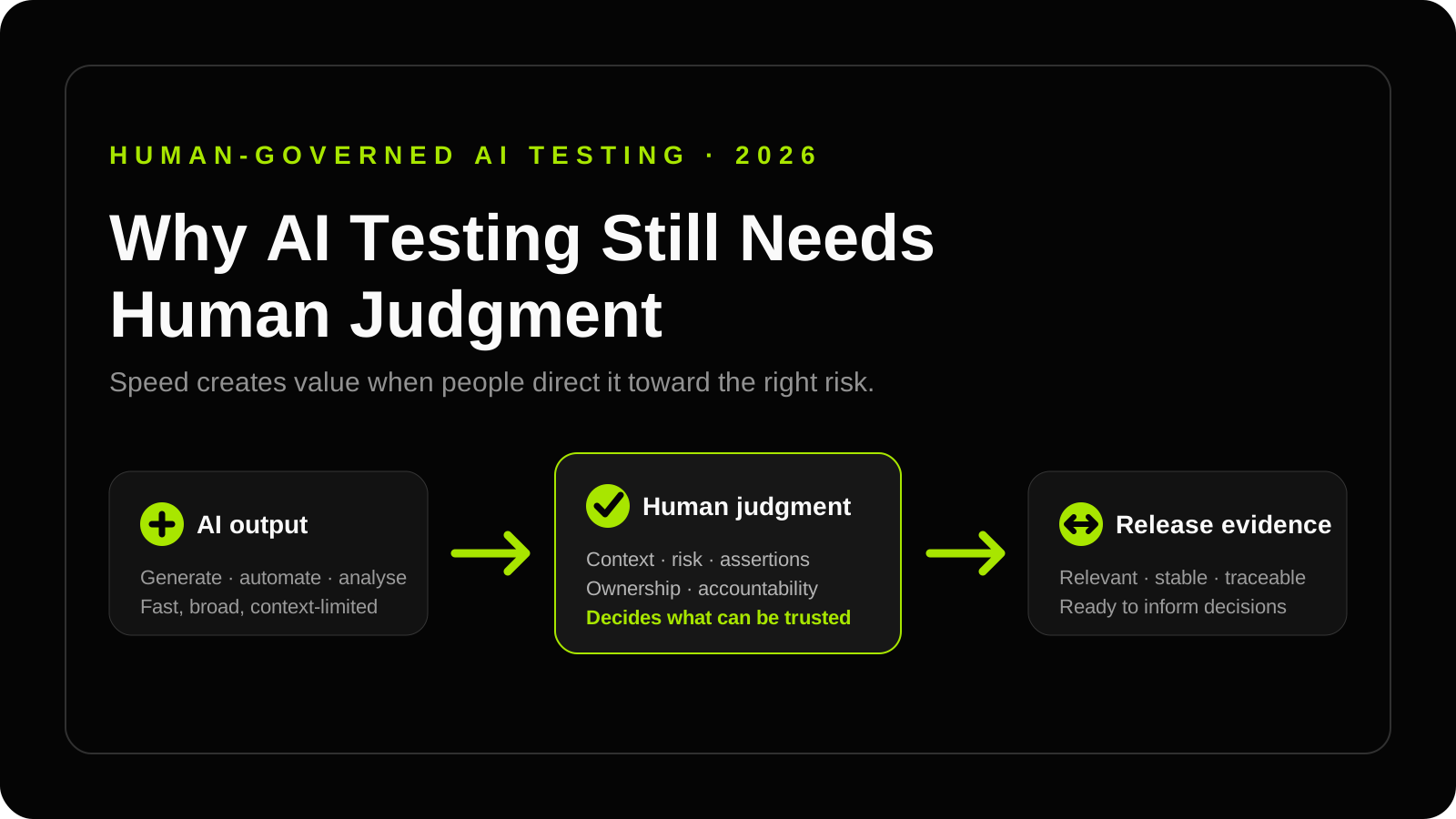
Human governance does not require manual approval for every AI action. Engineers establish validation standards and apply deeper review to payments, permissions, customer data, and other critical flows. The guide to why AI testing still needs human judgment explains how test oracles, automation ownership, and risk-based review turn generated output into reliable release evidence.
Use these rules:
- Every AI-assisted output has a human owner.
- Every test idea must connect to a product risk, user journey, requirement, or historical defect.
- Generated automation must pass the same review standards as human-written automation.
- AI summaries must distinguish executed evidence from assumptions.
- Sensitive data, credentials, private user details, and production secrets must not be placed into uncontrolled AI tools.
These rules are especially important for AI Product Testing, where prompts, agents, copilots, and generated outputs create behavior that is harder to verify with simple pass/fail checks.
How to start
Start with one constrained workflow and one measurable outcome. For example, use AI to support regression planning for a release, then compare the result against previous coverage gaps and escaped defects.
If your team needs the operating model, AI QA Enablement can help define tooling boundaries, review workflows, team training, and governance rules. If you need delivery support, an AI-augmented QA service can combine human QA leadership with practical AI workflows.
The important question is not “Can AI write tests?” The better question is “Can AI help our team see release risk earlier, explain it better, and act on it faster?”
Common questions
01 Can AI replace QA testers?
02 What is the safest first AI QA workflow?
03 How do teams avoid false confidence from AI testing?